Your Mac's Dynamic Island

A living island
for your notch.

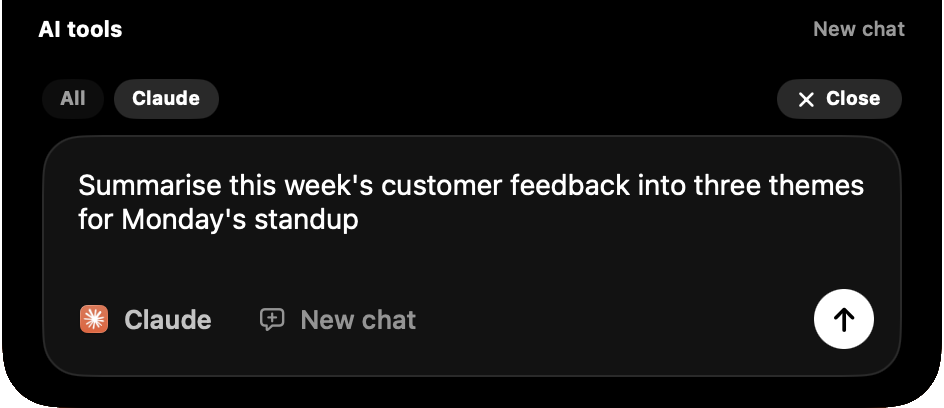
Pulse turns the dead pixels around your MacBook's notch into live widgets: music, meetings, clipboard, weather, focus timers, devices and system stats. One glance up.

Download for macOSSee the widgets
Free during betaLive widgetsLocal & privatemacOS 14.0 or later
Now PlayingYouTube Music
Midnight City
M83 · YouTube Music
1:24
-2:39

Everything useful,
one glance away.

Live widgets for music, meetings, clipboard, weather, focus, todos, system stats and more, living inside a beautiful island around your notch.

Midnight City
M83 · YouTube Music
1:24
-2:39

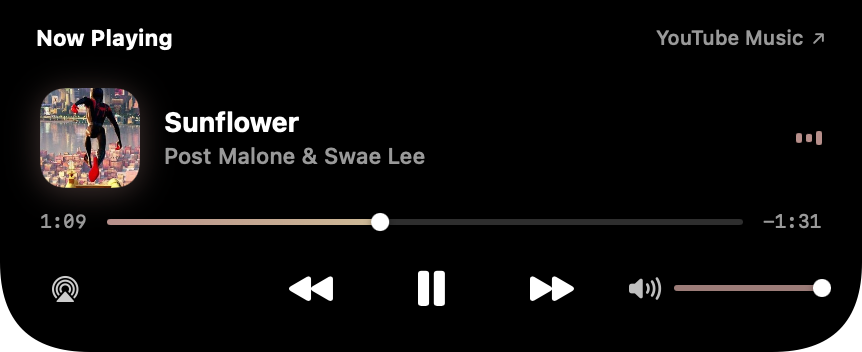
Universal now playing

Spotify, Apple Music, YouTube, SoundCloud, even a browser tab. Artwork, scrubbing and volume in the island.

MON
20
Design Review
in 12 minutes
Join

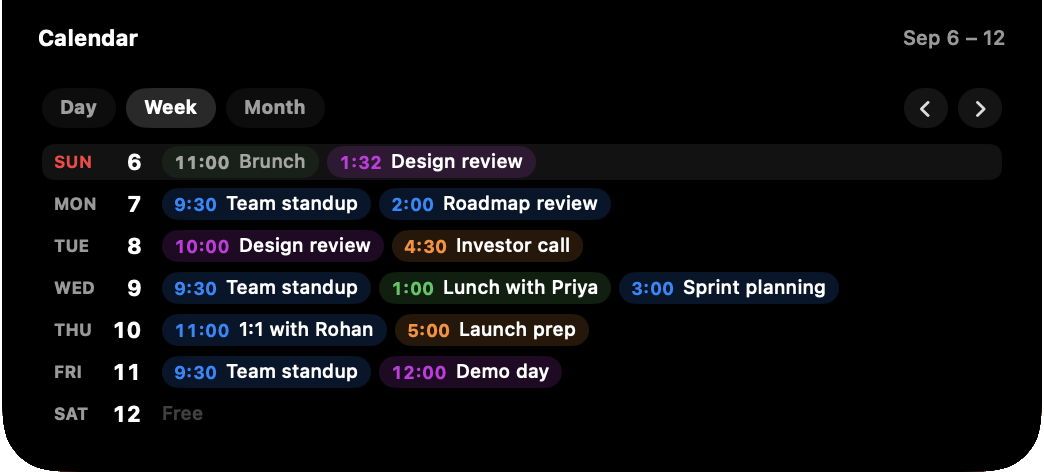
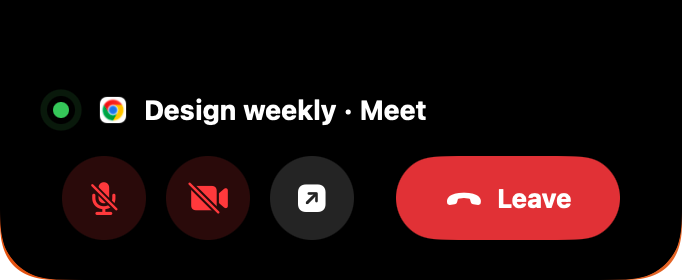
Meetings that join themselves

Live countdown to your next event, with a Join button that detects Teams, Zoom, Meet and Webex links.

482913CODE
Aayush Talreja
npm run build

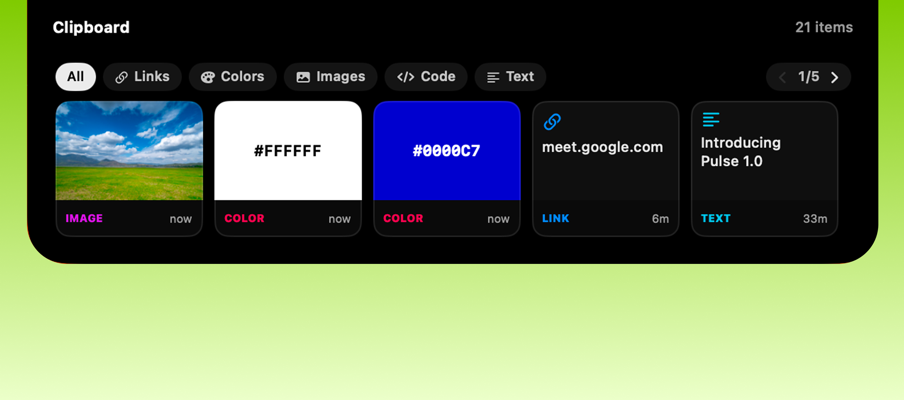
Clipboard with a memory

Every copy becomes a card. OTP codes get called out instantly. Click any row to copy it back.

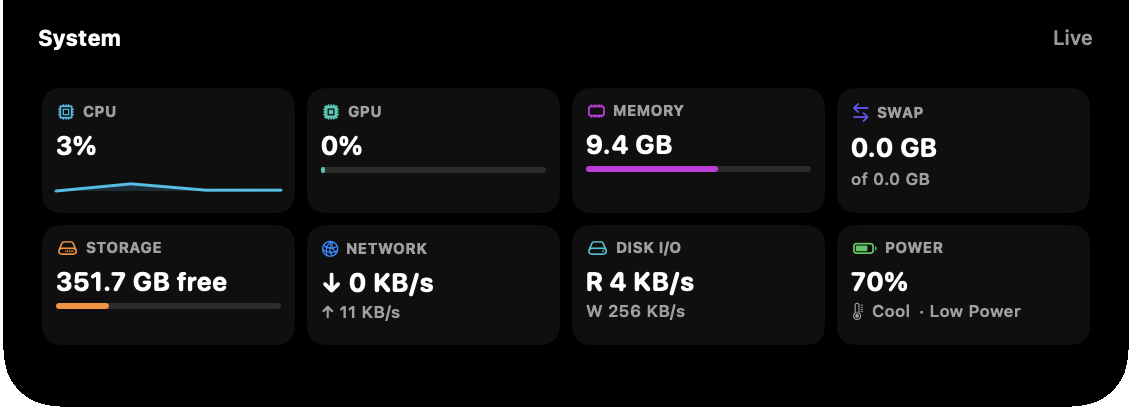
CPU
23%
GPU
41%
MEM
18.4 GB
NET
↓ 24 MB/s

A system monitor in the notch

CPU history, GPU, memory pressure, network and disk throughput. Choose your tiles; the card resizes.

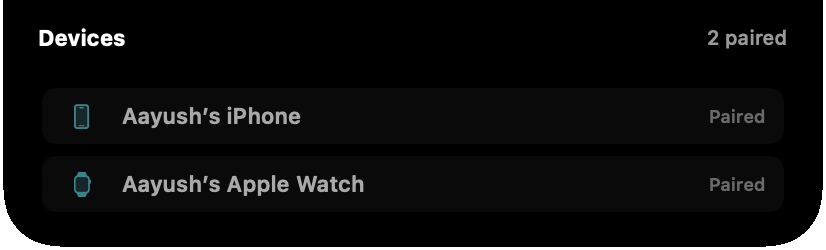
iPhone 15 Pro
72%
AirPods Pro
45%
Magic Trackpad
91%

Your devices, one slide

iPhone, Apple Watch, AirPods and Magic peripherals: connection state, batteries and charging bolts.

On the roadmap

Coming soon.

The next widgets on the bench, shaped by beta feedback.

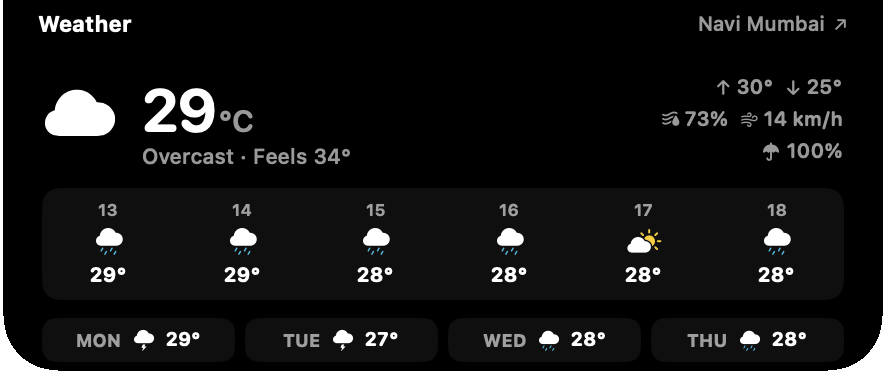
28°
Sunny · Mumbai
H 31°
L 24°
Now3PM5PM7PM9PM11PM

Weather at a glance

Current conditions, highs and lows, and the hours ahead, without opening a single app.

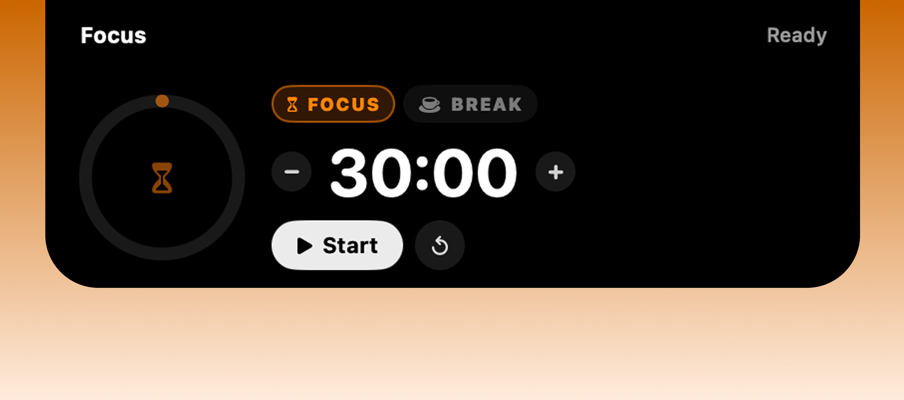
18:24
Deep work
Session 2 of 4

Focus sessions

A Pomodoro timer that lives where your eyes already are. Sessions, breaks, and a ring that breathes.

Ship Pulse 0.9 beta
Reply to feedback

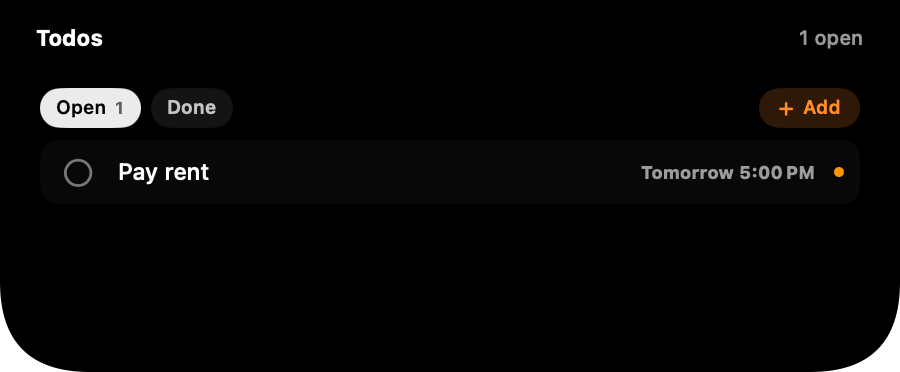
Todos & reminders

Your next three tasks, synced from Reminders. Check them off from the notch.

Wi-Fi
Bluetooth
AirDrop
Focus

Quick toggles

Wi-Fi, Bluetooth, AirDrop, Focus and more. Flip system switches without leaving your train of thought.

hero-v2.png
3.5 MB
#4A7FF2
color
invoice.pdf
412 KB
Drag anything in · drop it anywhere later

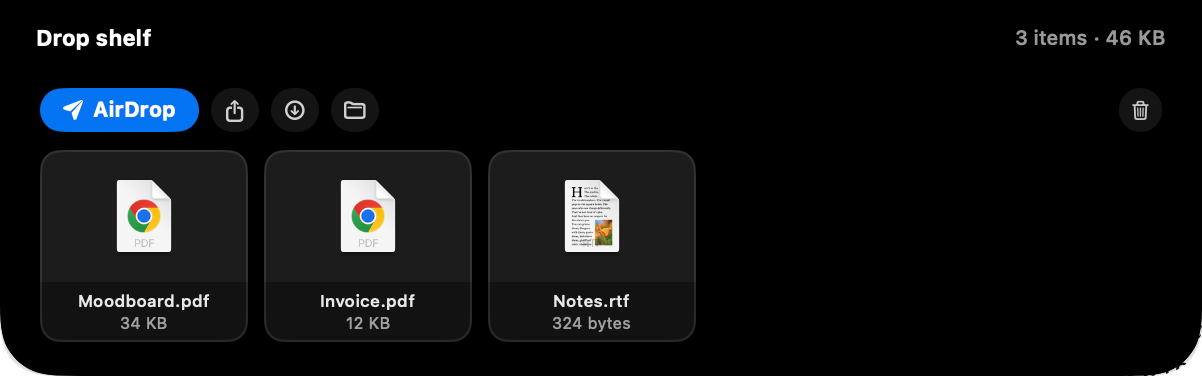
A shelf in the notch

Drag files, images and colors into the island and drop them out wherever you need them next. No windows, no context switch.

Driven by gesture.

No windows, no shortcuts to memorize. The island answers to the trackpad you already know.

Scroll ↓

Expand

Scroll down on the island and it blooms open into the full card.

Scroll ←

Flip

Scroll sideways to slide between music, meetings, stats and more.

Hover

Peek

Rest the pointer on the notch for a quiet glance. No click needed.

Click

Pin

Click to keep a card open while you work. Click again to let go.

Built for how you work.

Developers

Build commands back from clipboard history, OTPs called out on copy, and CPU charts while the tests run.

Designers

Music in your peripheral vision, screenshots a glance away, and a shelf for the assets you're juggling.

Meeting marathoners

A countdown that keeps you honest and a Join button that knows Teams, Zoom, Meet and Webex.

Music heads

Every player, one island. Artwork tints, scrubbing and volume without surfacing a single window.

Founders & operators

Todos, timers and the day's schedule staged in the notch. Momentum without app-switching.

Everyone else

Weather before you leave, battery before it bites, and your AirPods' charge before the commute.

Obsessive about
the last 4 pixels.

Pulse is built the way Apple would build it: springs over fades, glances over windows, restraint over noise.

Cascade entrancesCard content reveals element by element, 55 ms apart.
Artwork-tinted accentsThe equalizer and scrubber take the album's own color.
Rolling numbersTime, battery and countdowns tick. They never repaint.
Notch-band headersTitles live in the wings beside the hardware cutout.
120 Hz springsEvery morph is a tuned spring. Nothing fades that can move.
Polite by designUnder 1% idle CPU. Stats poll only while you're looking.
Free while
in beta.

No subscription, no account, no card. Download it, drag it to Applications, and your notch is alive in ten seconds.

$0during the beta
Download for macOS

macOS 14 Sonoma or later · Apple Silicon & Intel
First launch: right-click Pulse.app and choose Open

All widgets unlocked from day one
Native macOS app, ~5 MB
Local first, nothing leaves your Mac
Every beta update included
Your feedback shapes the roadmap

Questions, answered.

Give your notch
a pulse.

One download, ten seconds, and the dead pixels at the top of your screen start earning their keep.

Download PulseFree during beta · macOS 14 Sonoma or later · ~5 MB